Stuck in a never-ending loop on the highway, haven’t we all felt the monotony of watching the world zip by? It’s like being trapped in a steel cage while the real adventure slips past. GPS apps, bless them, are obsessed with speed.
They’re no good for those of us craving discovery. You want more than a destination; you want a journey. I’ve spent years dodging the crowds, getting lost on purpose, and finding hidden gems.
Why settle for the straight and narrow when you can have the winding and wonderful? This guide isn’t just theory. It’s a map to adventure using modern tech and old-school skills.
Follow along for a practical approach to scenic routes and landmarks trail orientation. Open up journeys that leave stories, not just miles, in their wake.
Your GPS Is Boring You: Here’s Why
Ever wondered why your GPS insists on the dullest route? It’s because those navigation algorithms are laser-focused on getting you there fastest. They don’t give a hoot about the journey’s quality.
Google Maps and Waze? They want efficiency, not adventure. They calculate the shortest time or distance, ignoring everything else.
But what about us adventurers? We want more. GPS often skips unpaved roads that might be perfectly passable (but less traveled).
It misses those smaller county highways with stunning views. And it can’t tell the difference between a forest road and a road with breathtaking overlooks.
Picture this: You’re traveling between two mountain towns. Your GPS pushes you onto the interstate. Sure, it’s fast.
But there’s a winding state highway that snakes through a canyon, following a river. It’s the scenic route. It’s what you want, but your GPS won’t even mention it.
That “accidental scenery” is what gets to me. You might stumble upon it, but it’s not intentional. Why leave the quality of your journey up to chance?
Shouldn’t we choose the landmarks trail orientation ourselves?
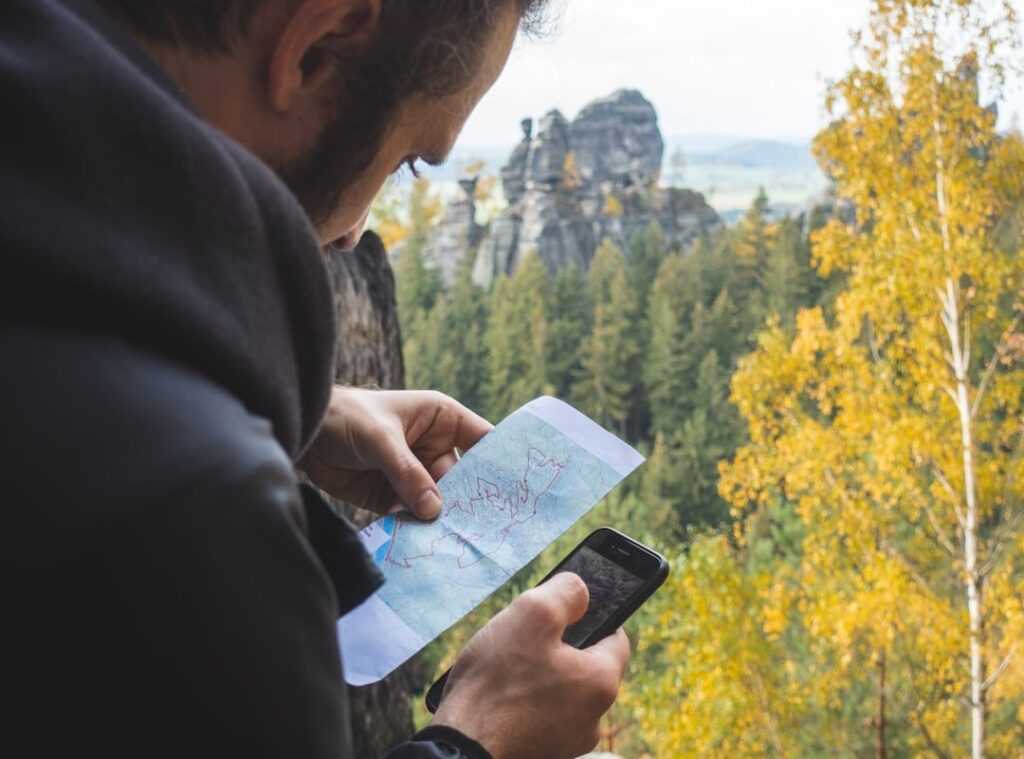
When you’re ready to break free from the default settings and explore with intention, there are tools for that. You can learn more about apps that cater to explorers and hikers. They respect the journey, not just the destination.
In the end, it’s about taking control. Choose your path. Don’t let a machine decide.
The Digital Toolkit for Finding the Backroads: Navigating
Let me get straight to it. If you’re serious about exploring those less-traveled roads, you need the right tools. Your standard GPS isn’t gonna cut it here.
We’re talking about specialized apps like Gaia GPS, onX Offroad, and CalTopo. Each of these apps has its own charm, but more importantly, they offer specific advantages for finding those scenic routes we all crave.
Let’s start with Gaia GPS. This app shines with its multi-layer map feature. You can layer USFS Motor Vehicle Use Maps (MVUM) right over your route.
It’s a game-changer. You see, these layers help you identify promising, less-traveled roads. Plus, you get overlays like Public Land (BLM) and satellite imagery.
Get your bearings before you even hit the trail. And don’t just take my word for it. Check out user reviews and tracks, but remember, always verify conditions before you go.
Now, onX Offroad is another solid choice, especially if you’re into topographic views. Topo maps aren’t just for geeks. They’re gold for finding roads along ridgelines or river valleys.
Roads that almost always promise stunning views. The app lets you see the lay of the land, quite literally. And trust me, nothing beats the thrill of discovering a new path that snakes through the valleys like a hidden treasure.
But here’s a tip: always verify current conditions. Things change fast out there.
CalTopo is perfect if you’re about crowd-sourced data. The community tracks feature is where it’s at. You can use user-submitted tracks and waypoints to find routes that have been vetted by other explorers.
A pro tip? Use satellite view to scout for tree cover, switchbacks, and potential viewpoints before setting out. It’s a great way to make sure you’re heading somewhere worthwhile.
So, why use these apps? Because they give you the edge. They help you avoid the tourist traps.
You get to see the world on your terms. They’re not just tools; they’re freedom. And if you’re ever uncertain about your route, taking a moment to understand landmarks trail orientation can be useful.
In the end, it’s about the journey, not just the destination. These apps offer you the keys to that journey. So why not make the most of it?
Paper Maps: The Unbeatable Advantage
You might think paper maps are relics. But they’re not. They’re a key tool for big-picture planning and discovery.
Ever tried tracing a scenic route on a tiny GPS screen? It’s like trying to watch a blockbuster on your smartphone. Not fun.
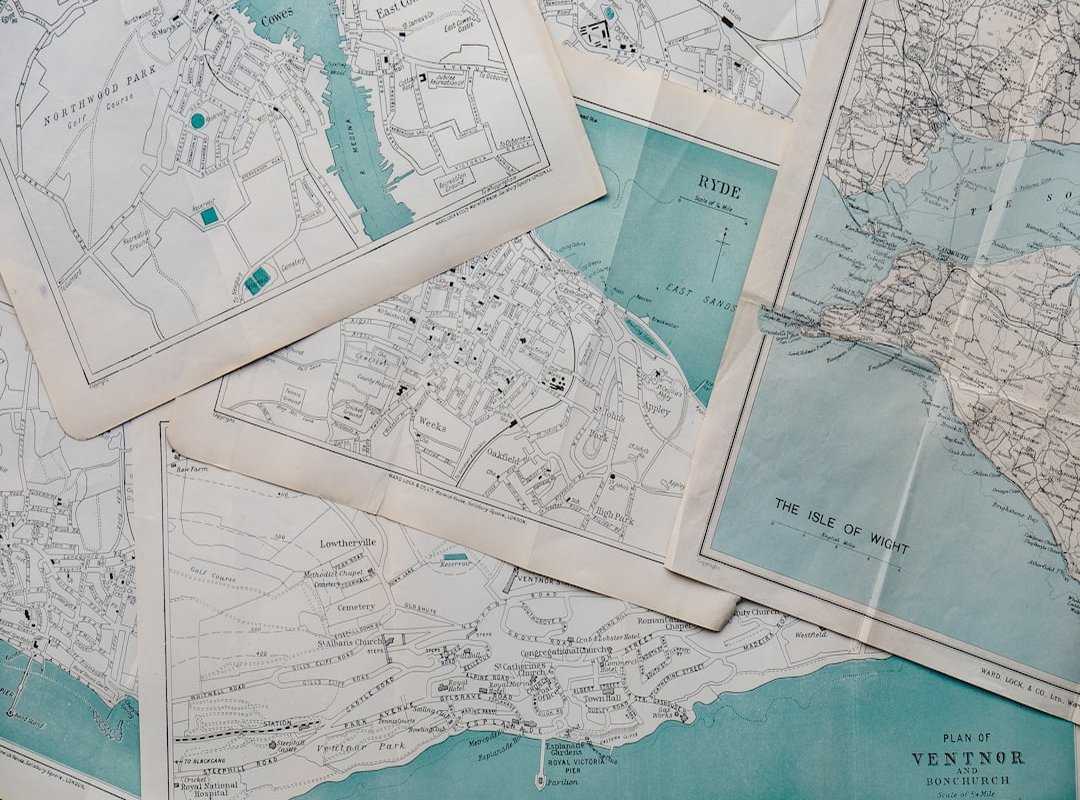
Sure, GPS devices are handy for turn-by-turn navigation. But what about when you want to see the full space? Spread a map out on a table and suddenly, you’ve got the whole world in front of you.
It’s not just about getting from A to B. It’s about discovering C, D, and E along the way.
DeLorme Gazetteers are fantastic for showing scenic potential. They give you the lay of the land in a way digital maps can’t. Butler Motorcycle Maps offer detailed routes for bikers who crave those “squiggles” (those) winding roads we all love.
And National Forest visitor maps? They’re gold for finding hidden trails and landmarks.
Reading a map for scenery is an art. Look for symbols that mark scenic byways and points of interest. Elevation changes are often marked by contour lines.
Those tight, squiggly lines? They signal a fun, winding road. Perfect for your next adventure.
Contrast that with a GPS. It keeps you so focused on the next turn, you miss everything else. Maps help you see the loops and alternatives, fostering real exploration.
You can plan a whole day of adventure just by tracing routes and noting landmarks.
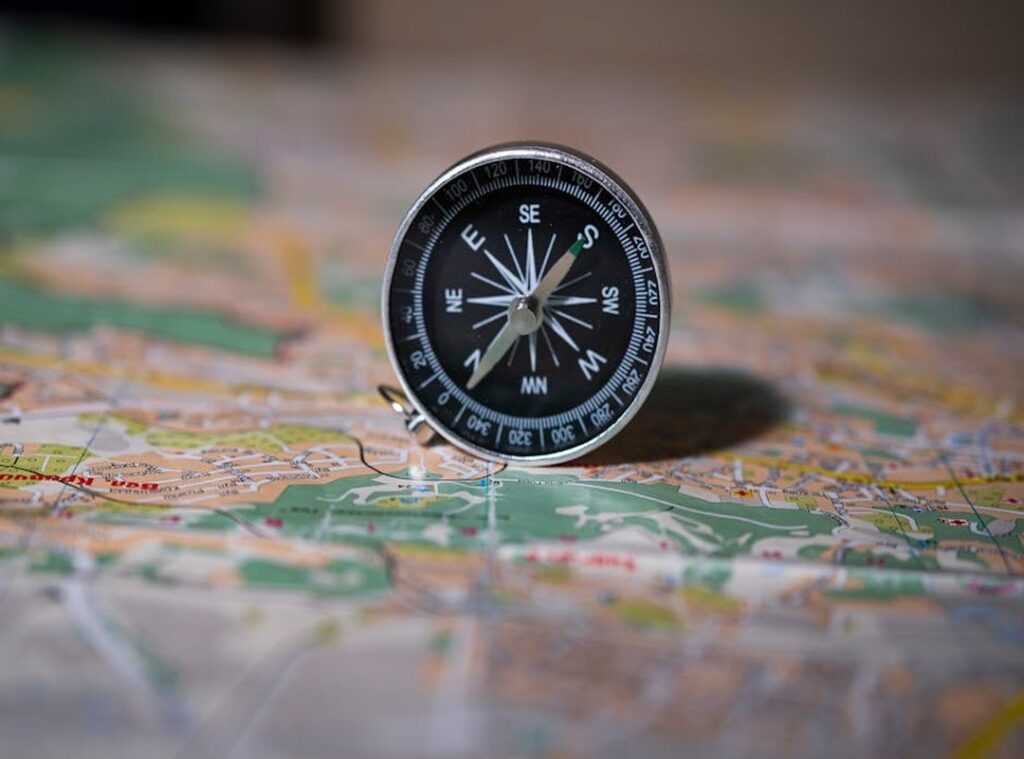
For those keen on mastering map compass skills, it’s not just about finding your way. It’s about trail orientation and understanding the terrain. Maps make it possible to visualize and plan in ways digital screens never will.
So, next time you’re planning a trip, skip the GPS. Grab a map. Lay it out.
Feel the potential. You’ll thank me later.
The Hybrid Method: Paper Trails Meet Digital Paths
You know the old saying, “There’s an app for that”? Sure, but sometimes there’s also a map. I start with Step 1: Broad Discovery (Paper). There’s something magical about flipping through an atlas.
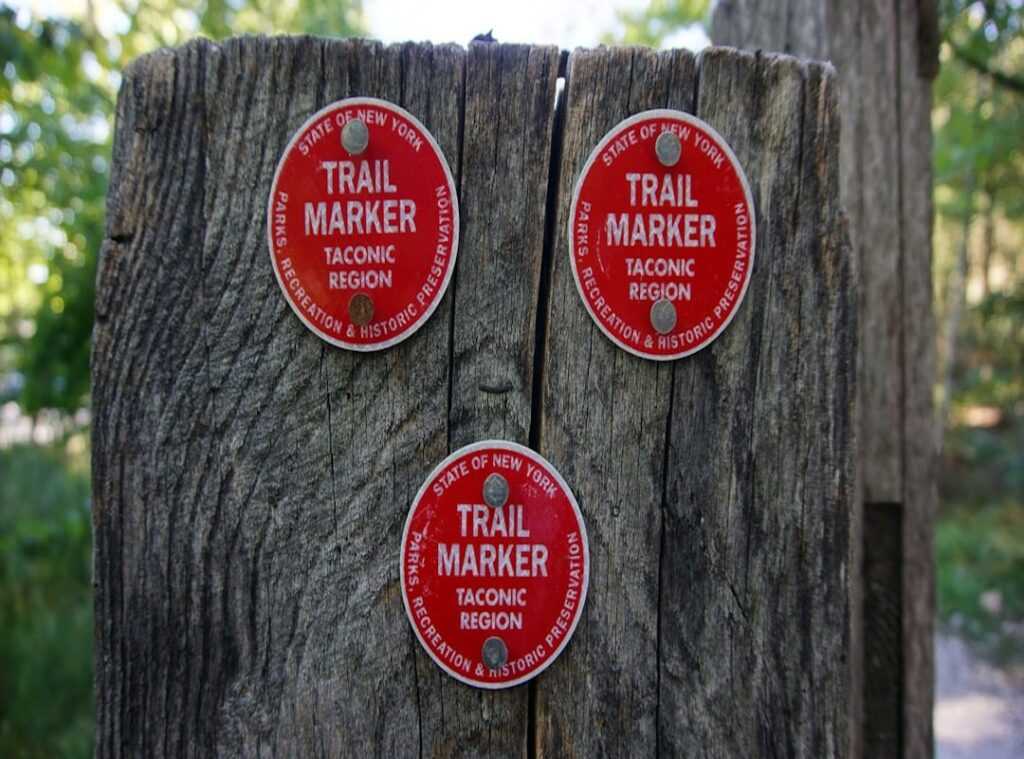
It’s tactile. Find your landmarks, trail orientation, and potential paths between points. Does it take longer than Google Maps?
Yeah. But you might stumble upon routes that aren’t just faster, but more rewarding.
Step 2: Detailed Vetting (Digital). Open up an app like Gaia GPS. It’s my go-to for cross-checking. Dive into satellite views to see if that road is paved or a mud pit.
It’s like peeking behind the curtain before committing.
Step 3: Build & Go (Digital). Plot your course, save it as a GPX file, and hit the road. This way, you aren’t just navigating; you’re adventuring. Analog discovery meets digital precision.
It’s the best of both worlds.
Rediscover the Joy of the Open Road
Feeling stuck on those dull, fast roads? We all know the frustration. But you’re not bound to the algorithm’s whim anymore.
With the right digital tools and the timeless wisdom of landmarks trail orientation, you can reclaim your drive. Remember, the journey is the destination. It’s about the stories you create and the paths you choose.
Stop dreaming about the scenic route. Grab a map, fire up an app, and go find it. Don’t let another moment pass.
Take control. Plan your adventure. Discover the thrill you’ve been missing.
Your next great drive awaits.
 Theo Zavalayana is the kind of writer who genuinely cannot publish something without checking it twice. Maybe three times. They came to curious explorations through years of hands-on work rather than theory, which means the things they writes about — Curious Explorations, Frontier Findings, Hid Terrain Expedition Techniques, among other areas — are things they has actually tested, questioned, and revised opinions on more than once.
That shows in the work. Theo's pieces tend to go a level deeper than most. Not in a way that becomes unreadable, but in a way that makes you realize you'd been missing something important. They has a habit of finding the detail that everybody else glosses over and making it the center of the story — which sounds simple, but takes a rare combination of curiosity and patience to pull off consistently. The writing never feels rushed. It feels like someone who sat with the subject long enough to actually understand it.
Outside of specific topics, what Theo cares about most is whether the reader walks away with something useful. Not impressed. Not entertained. Useful. That's a harder bar to clear than it sounds, and they clears it more often than not — which is why readers tend to remember Theo's articles long after they've forgotten the headline.
Theo Zavalayana is the kind of writer who genuinely cannot publish something without checking it twice. Maybe three times. They came to curious explorations through years of hands-on work rather than theory, which means the things they writes about — Curious Explorations, Frontier Findings, Hid Terrain Expedition Techniques, among other areas — are things they has actually tested, questioned, and revised opinions on more than once.
That shows in the work. Theo's pieces tend to go a level deeper than most. Not in a way that becomes unreadable, but in a way that makes you realize you'd been missing something important. They has a habit of finding the detail that everybody else glosses over and making it the center of the story — which sounds simple, but takes a rare combination of curiosity and patience to pull off consistently. The writing never feels rushed. It feels like someone who sat with the subject long enough to actually understand it.
Outside of specific topics, what Theo cares about most is whether the reader walks away with something useful. Not impressed. Not entertained. Useful. That's a harder bar to clear than it sounds, and they clears it more often than not — which is why readers tend to remember Theo's articles long after they've forgotten the headline.